- Android
- iOS
- JavaScript
- Flutter
- ReactNative
Add a conversation tag. Conversation tags apply only to the current user, and the SDK automatically synchronizes them to the user devices.
Parameters
| Name | Type | Required | Default | Description | Version |
|---|---|---|---|---|---|
| tagId | String | Yes | Tag ID. Developers can customize it; the maximum length is 64 characters. | 1.8.47 | |
| tagName | String | Yes | Tag name. Developers can customize it; the maximum length is 64 characters. | 1.8.47 |
Code Example
JIM.getInstance().getConversationManager().createConversationTag("customTagId", "customTagName", new IConversationManager.ISimpleCallback() {
    @Override
    public void onSuccess() {

    }

    @Override
    public void onError(int errorCode) {

    }
});
Add a conversation tag. Conversation tags apply only to the current user, and the SDK automatically synchronizes them to the user devices.
Parameters
| Name | Type | Required | Default | Description | Version |
|---|---|---|---|---|---|
| tagId | NSString | Yes | Tag ID. Developers can customize it; the maximum length is 64 characters. | 1.8.49 | |
| name | NSString | Yes | Tag name. Developers can customize it; the maximum length is 64 characters. | 1.8.49 |
Code Example
[JIM.shared.conversationManager createConversationTag:@"customTagId"
                                                 name:@"customTagName"
                                              success:^{

} error:^(JErrorCode code) {

}];
Add a conversation tag. Conversation tags apply only to the current user, and the SDK automatically synchronizes them to the user devices.
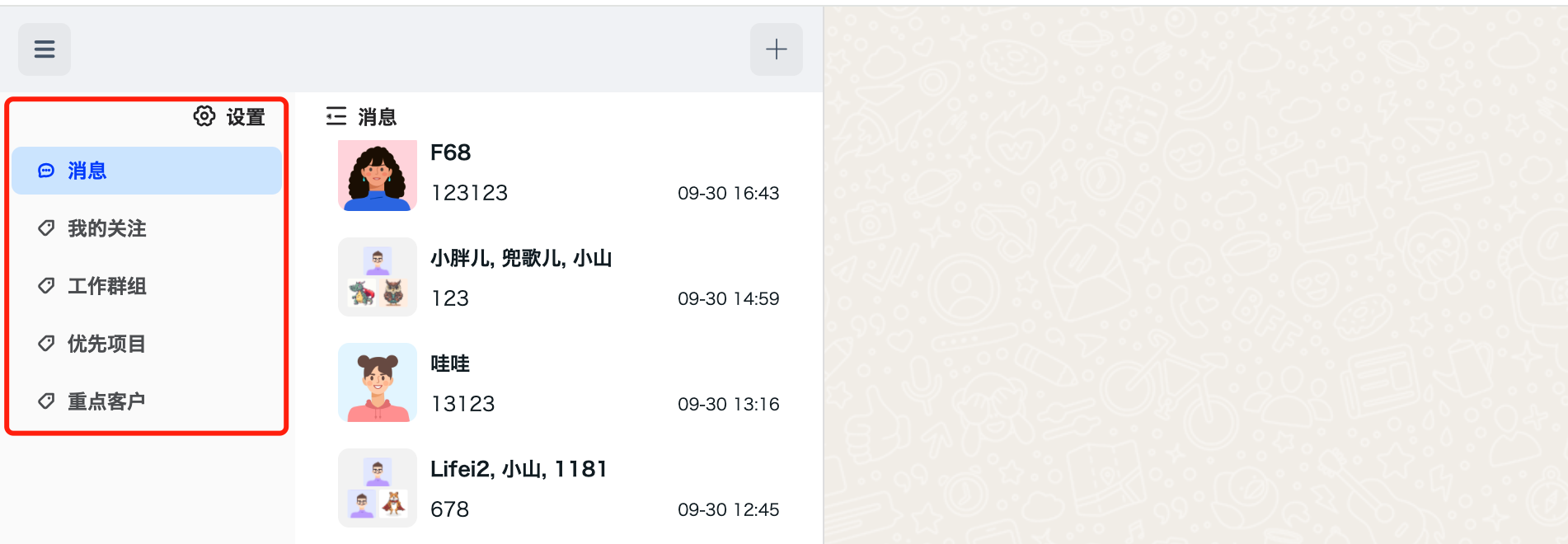
Parameters
| Name | Type | Required | Default | Description | Version |
|---|---|---|---|---|---|
| tag | Object | Yes | Tag object | 1.7.5 | |
| tag.id | String | Yes | Tag ID. Developers can customize it; the maximum length is 64 characters. | 1.7.5 | |
| tag.name | String | Yes | Tag name. Developers can customize it; the maximum length is 64 characters. | 1.7.5 | |
| tag.order | Number | No | 0 | Tag order. Developers can customize it; tags are sorted in ascending order by the specified number. | 1.9.13 |
Success Callback
No parameters are returned. The callback indicates success when invoked.
Failure Callback
| Name | Type | Description | Version |
|---|---|---|---|
| error | Object | A status code is provided when sending fails. Check error.msg directly or see status codes. | 1.0.0 |
Code Example
let tag = {
  id: 'tag_01',
  name: 'My Favorites',
  order: 1
};

jim.createConversationTag(tag).then(() => {
  console.log('createConversationTag successfully')
}, (error) => {
  console.log(error)
});
Not supported.
Not supported.