Integrating with TG-Bot: A New Way to Play
Preface
In building the ecosystem of an instant messaging (IM) system, the ability to easily integrate with third-party platforms is a key indicator of its extensibility. Strong extensibility means the IM system can break out of its own boundaries and integrate into a broader digital communication network, meeting users' diverse communication and collaboration needs.
JuggleIM excels in this area, providing users with rich and practical third-party integration capabilities. Today we'll introduce how JuggleIM integrates with TG-Bot, and common use cases for it. The open-source repository is provided at the end of the article — feel free to download the source code and study it, or build more personalized use cases on top of it.
Basic Principle
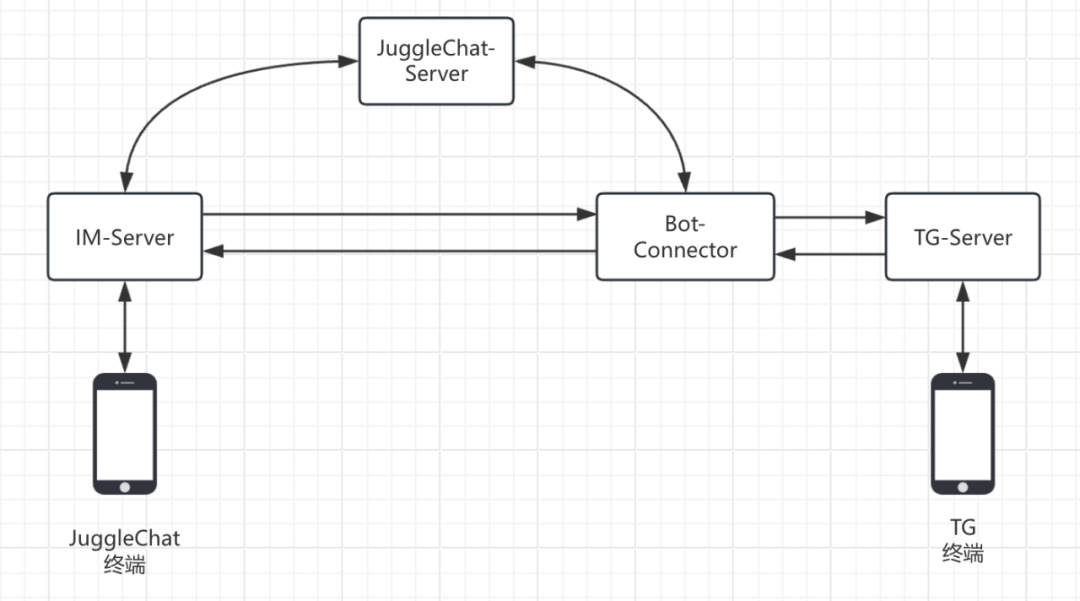
The basic principle is to use a bot-connector service as a relay/forwarding service, leveraging TG's bot mechanism to connect the IM service with the TG service, parsing and forwarding messages. Here's an explanation of each role in the diagram:
IM-Server: JuggleIM's core IM service, responsible for IM message distribution, storage, and connections;
JuggleChat-Server: The business server, responsible for handling user registration, group management, bot integration, and other business logic;
Bot-Connector: The bot integration connector, used to link the IM service and the TG service. Via TG's bot mechanism, it forwards messages from TG to the IM service, or from the IM service to TG.
Specific Steps
1. Create a TG-Bot
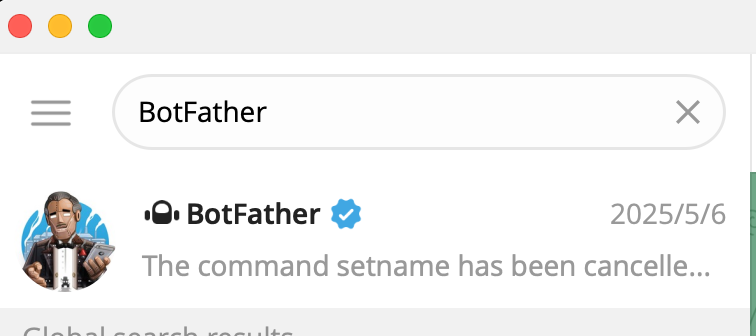
- Create a bot in TG. The main tool used is TG's BotFather, which you can find by searching "BotFather" in TG's search bar.
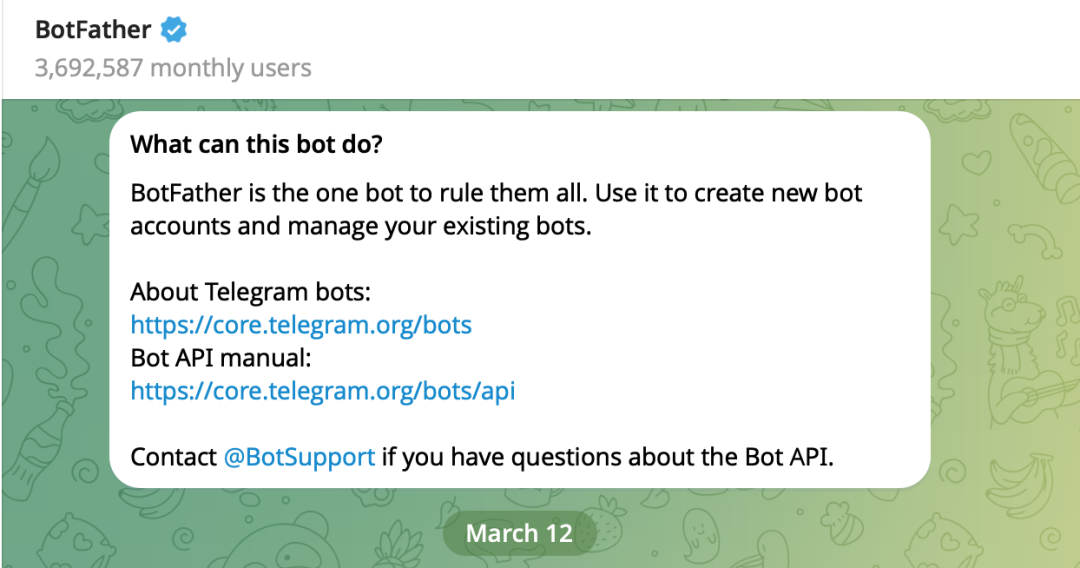
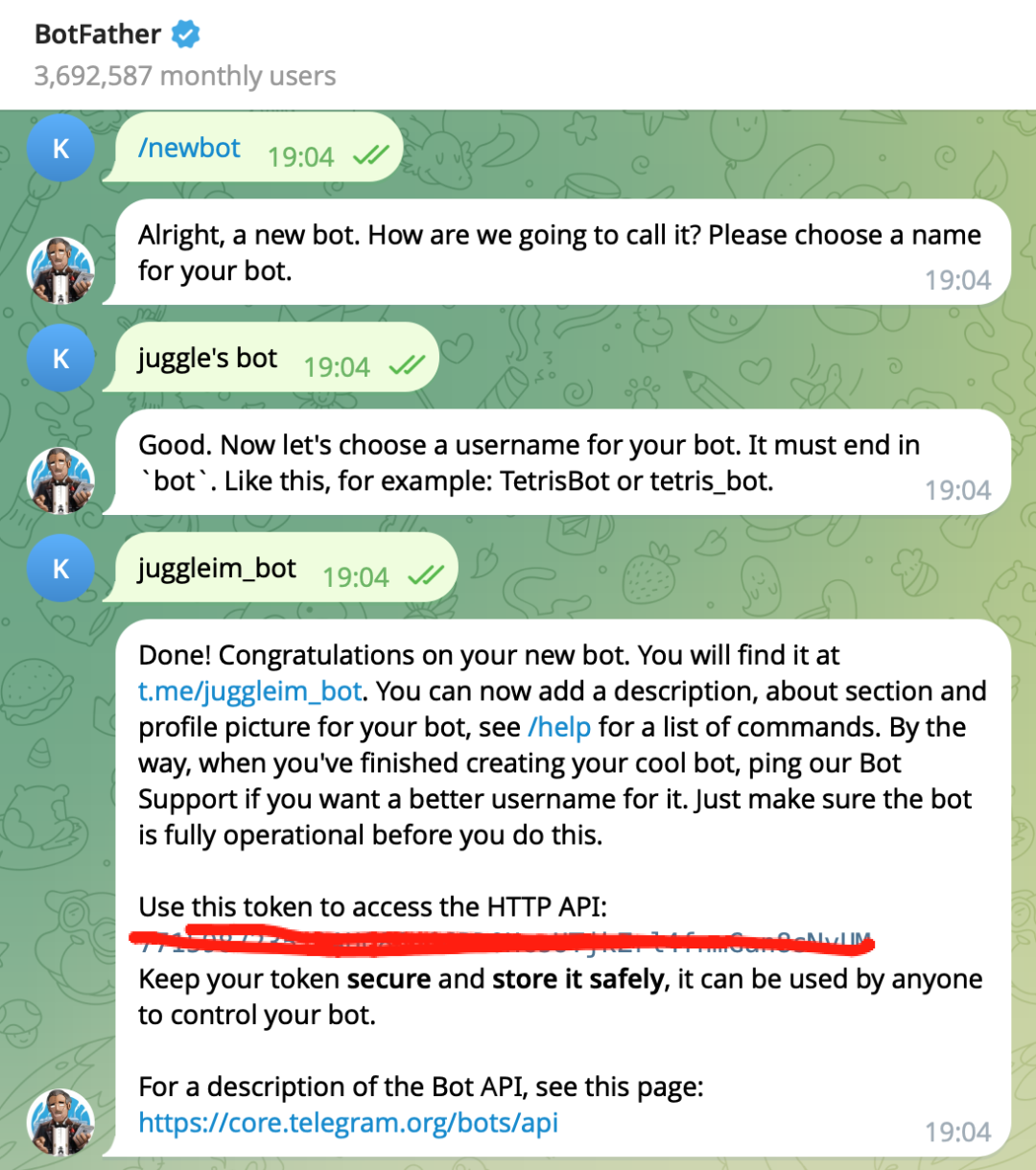
- Click on the BotFather conversation to interactively create a bot. After setting the name and username, you'll get a TG bot and the corresponding access token.
2. Bind it in JuggleIM
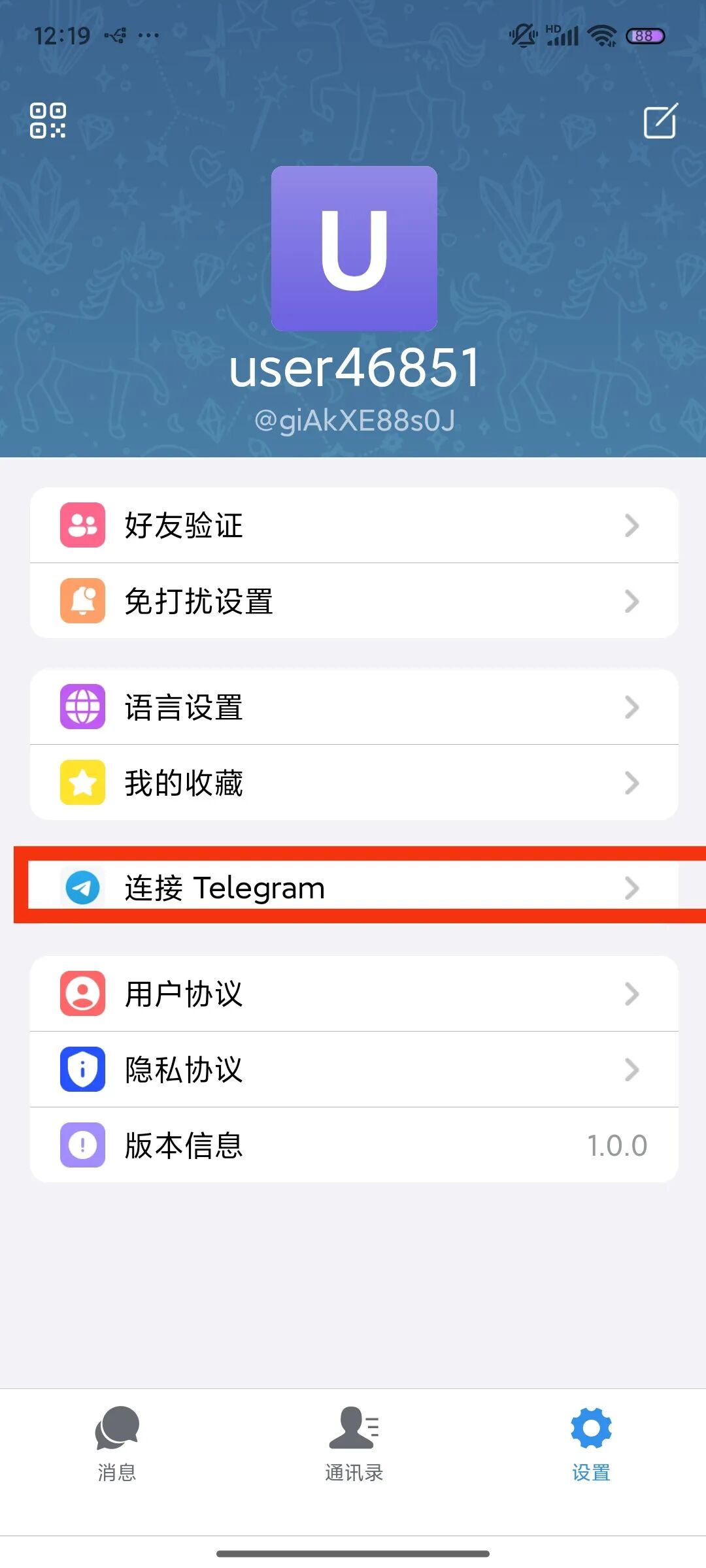
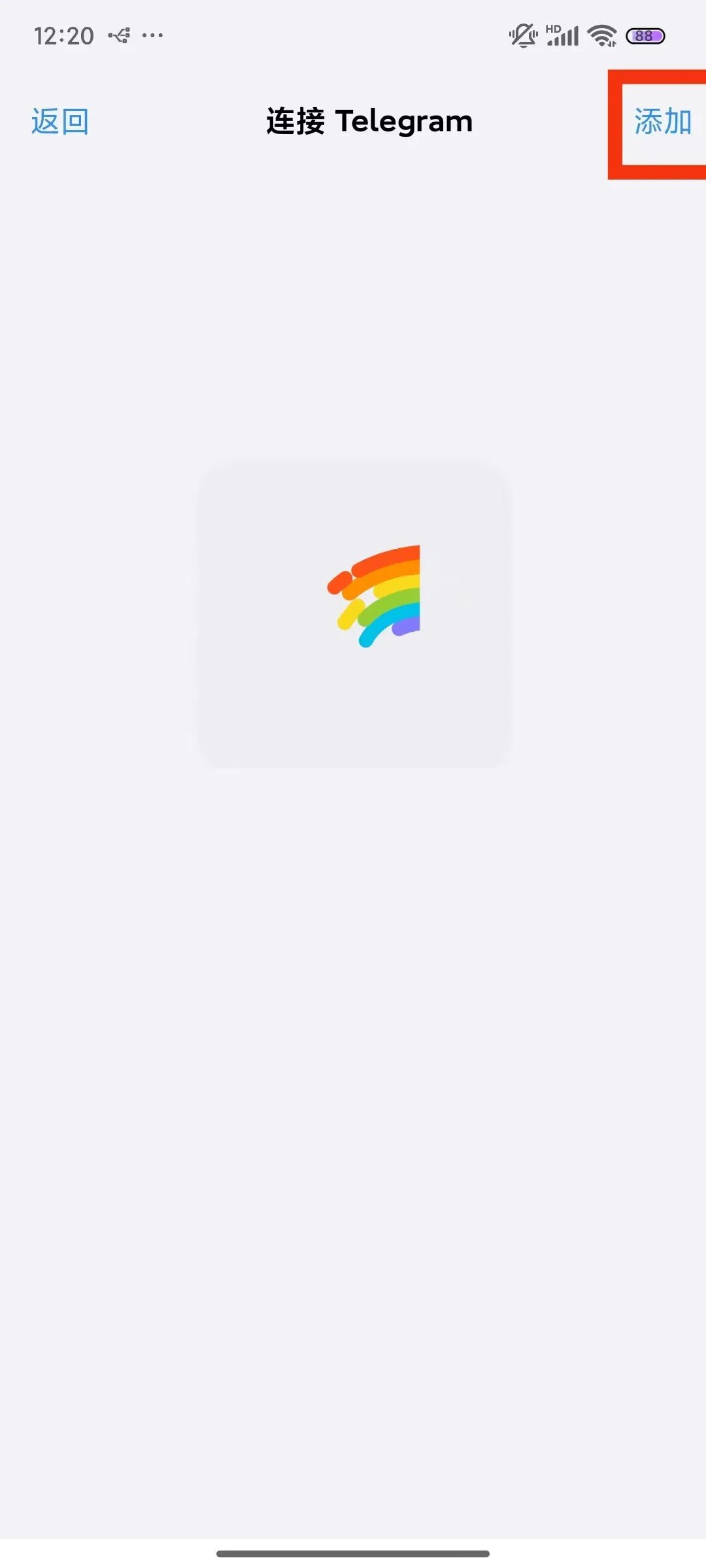
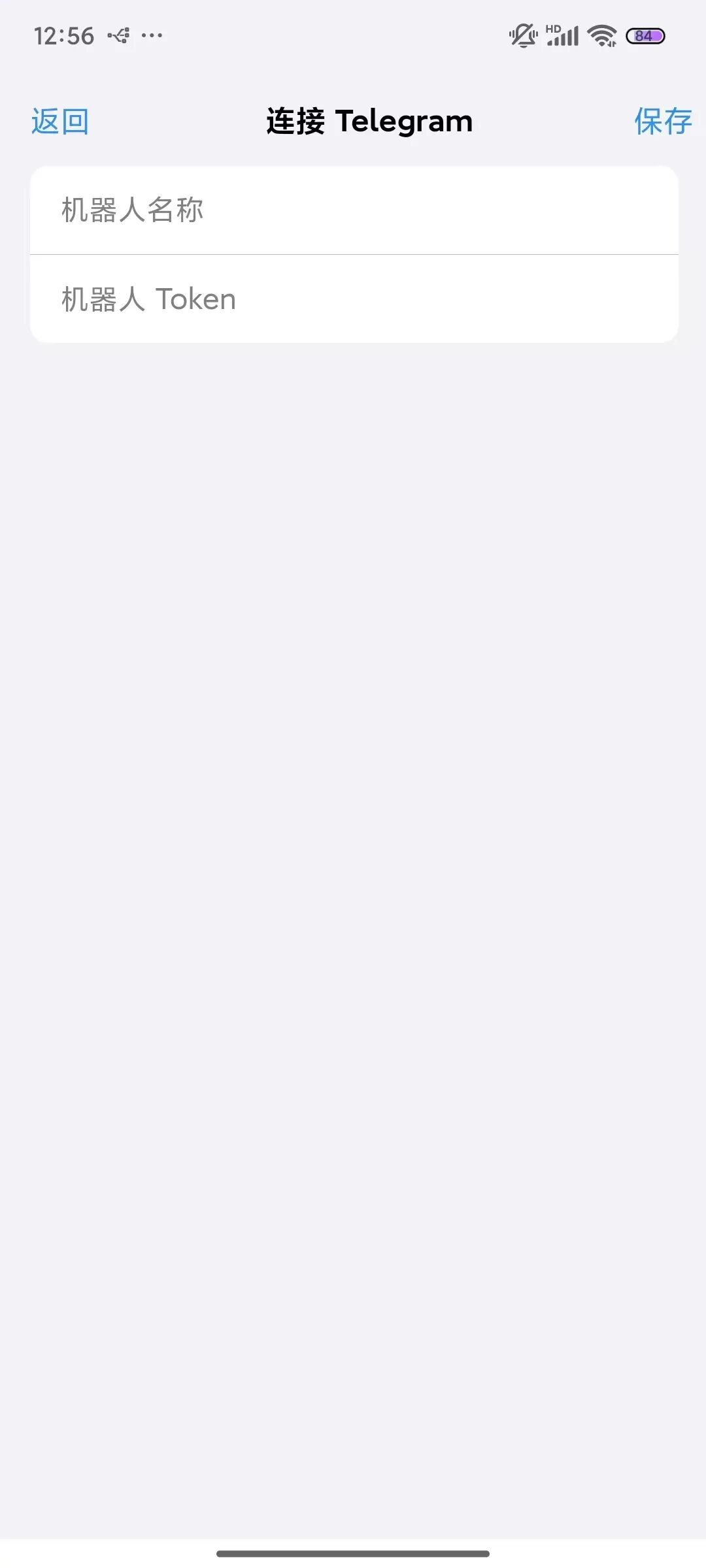
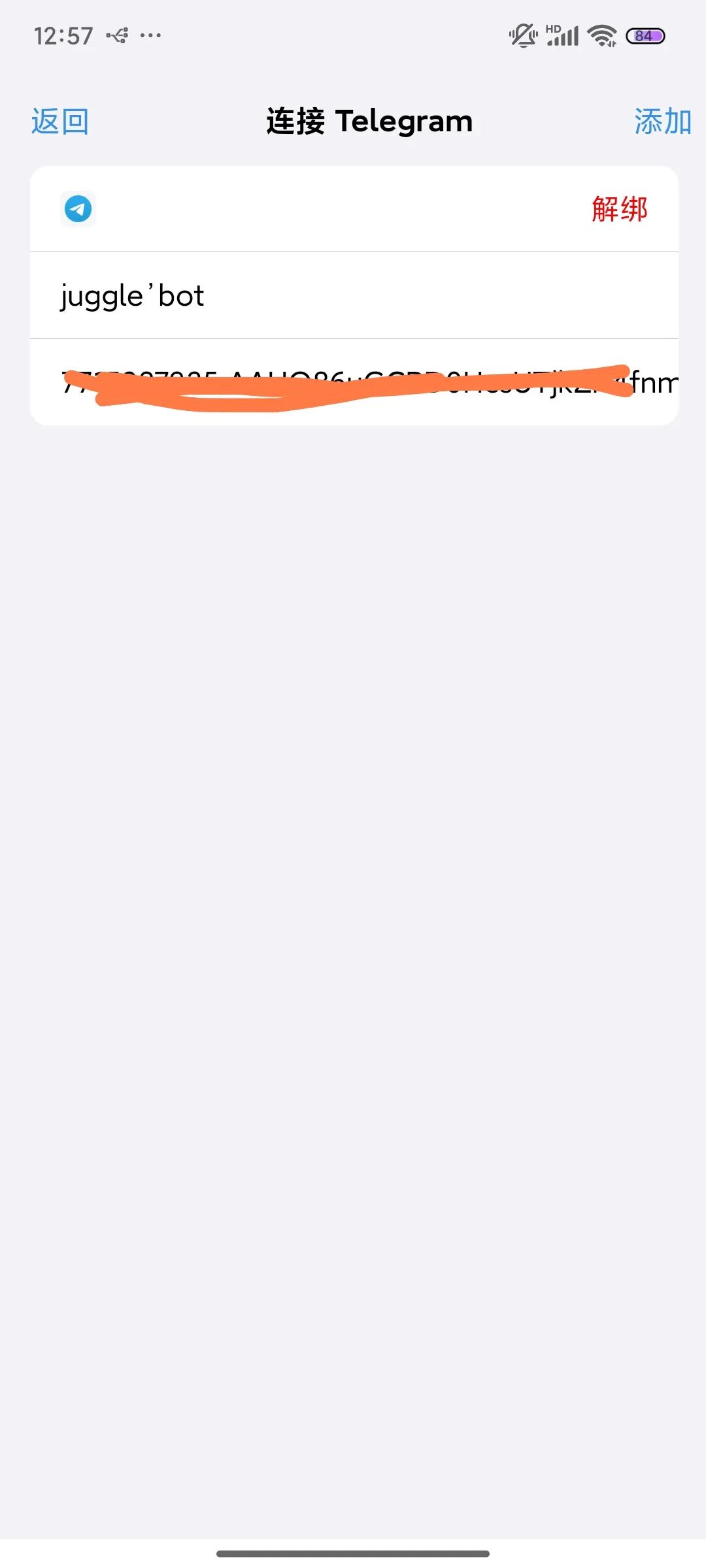
3. Start Chatting
- Find the bot's conversation in TG and send a message;
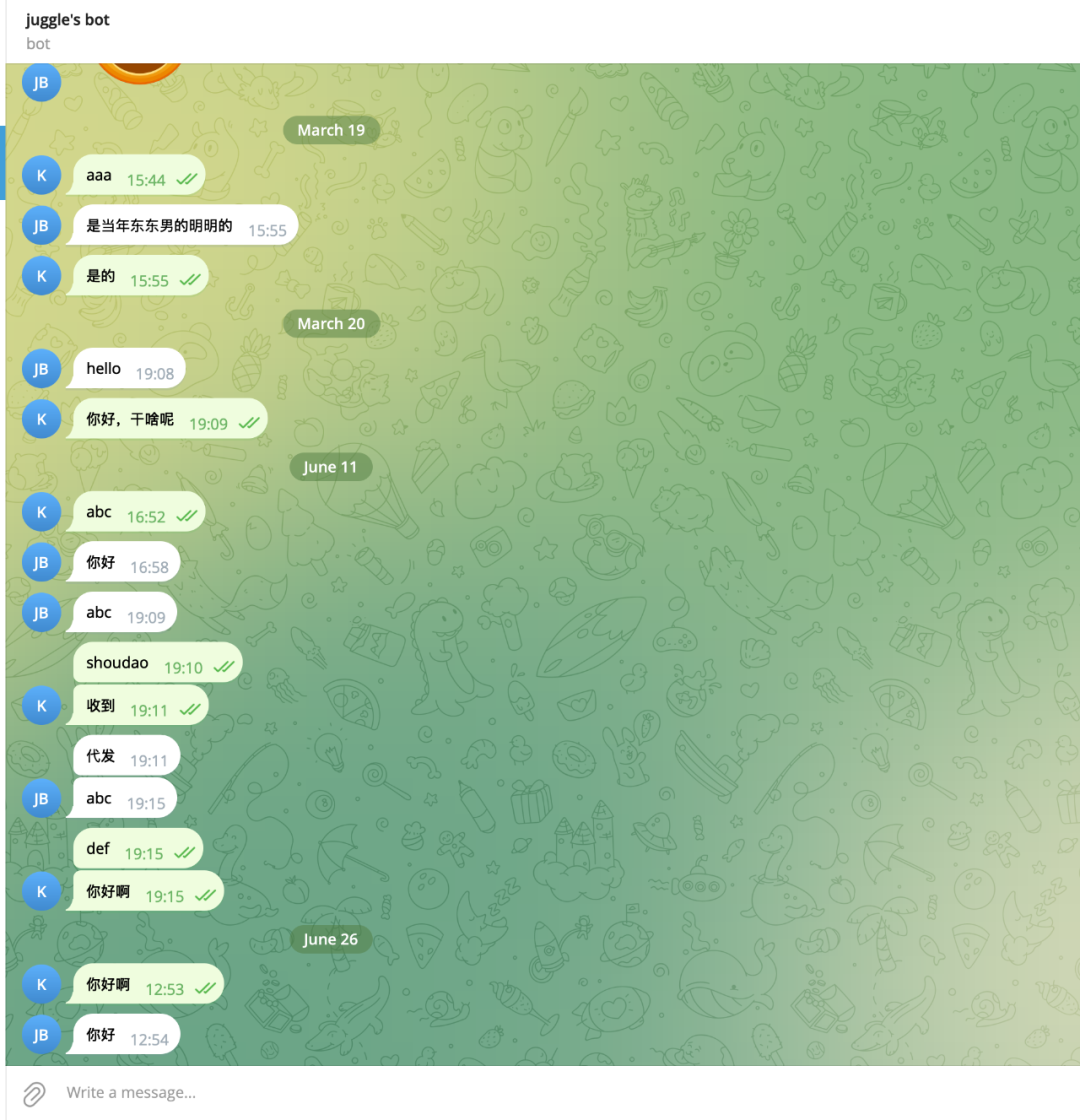
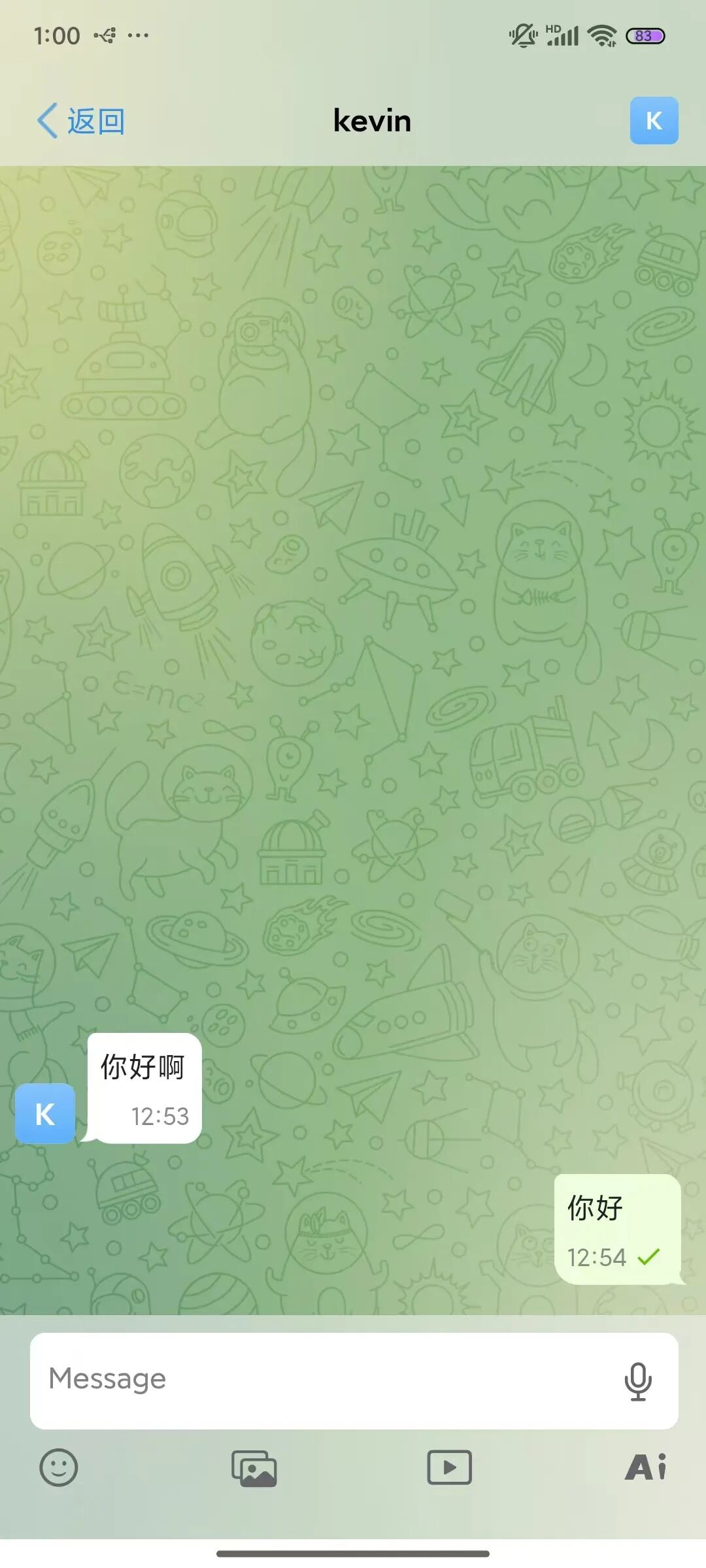
- JuggleIM receives the message and replies to it;
A Practical Scenario
The above is an example of connecting JuggleChat and TG-Bot via single chat. The first scenario that comes to mind is a customer-service-like setup: TG-Bot acts as the official customer service bot, receiving inquiries from different users. JuggleChat then aggregates these conversations and provides unified replies. Sometimes, customer questions can be complex and require multiple people to discuss before answering. We can do it this way:
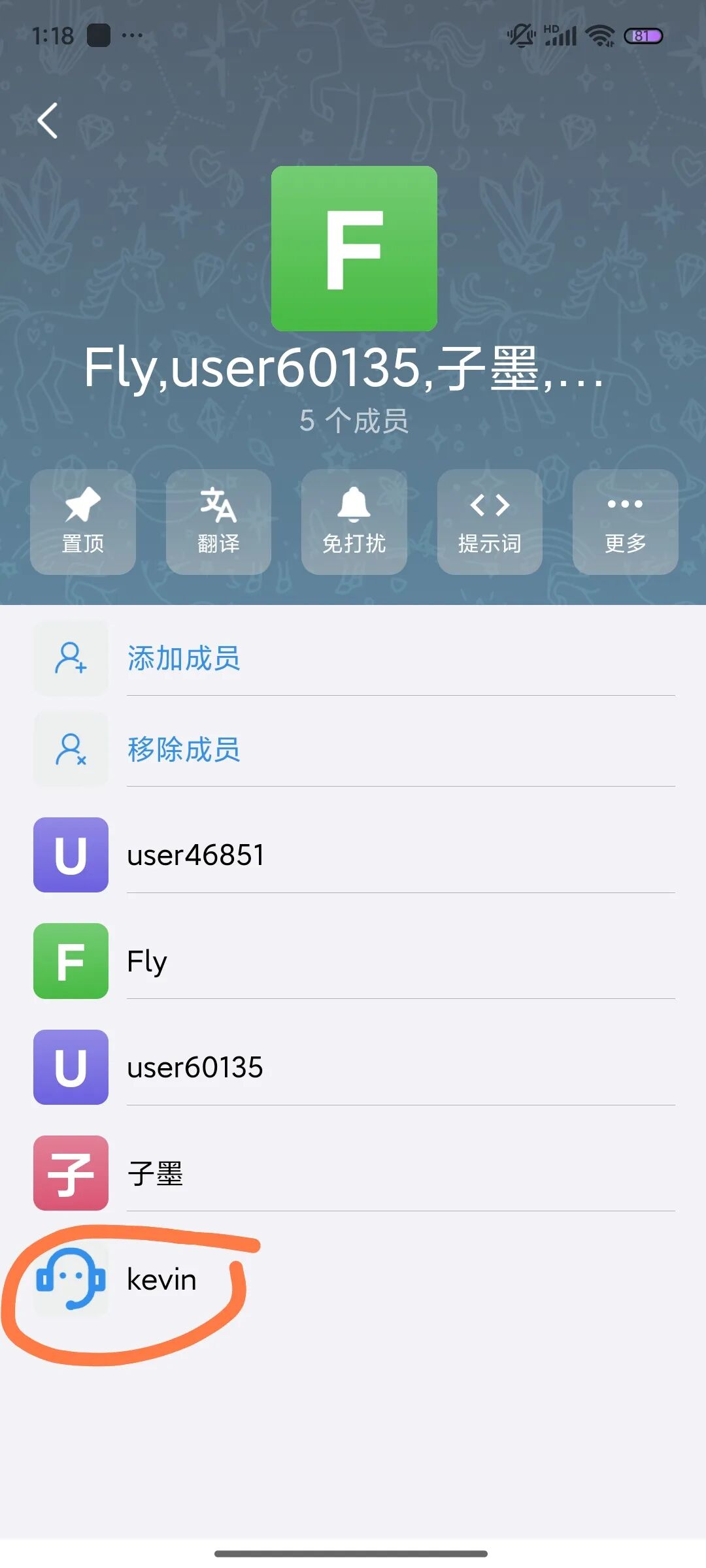
- Create a group in JuggleChat and add the bound TG-Bot to the group;
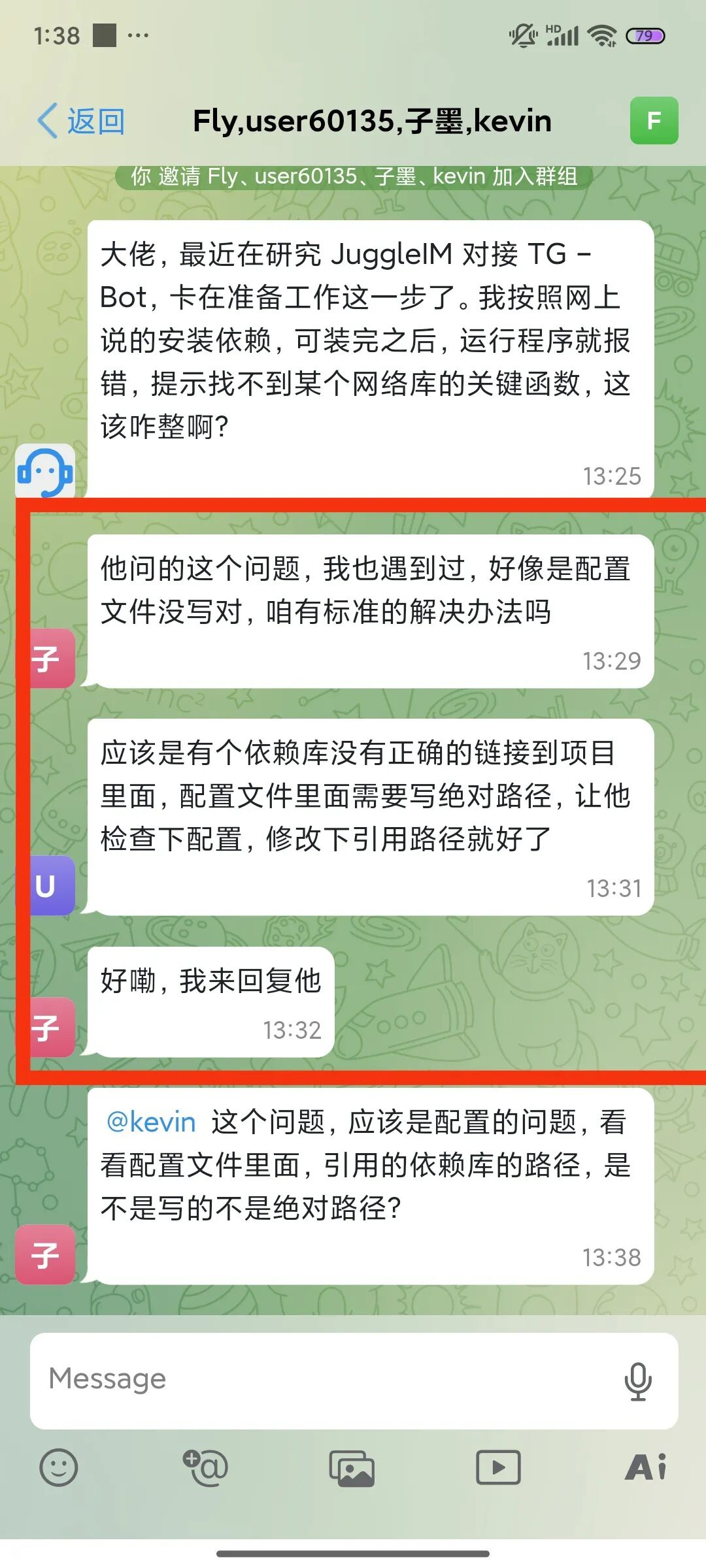
- Discuss internally in the group how to reply, and finally send the final answer as an @-mention. The discussion content in the red box below is not visible to the TG-side user.
- The TG side only sees the final reply.
Open-Source Repository
- JuggleIM: https://github.com/juggleim
- JuggleChat: https://github.com/juggleim/jugglechat-server/
- Bot-Connector: https://github.com/juggleim/bot-connector